
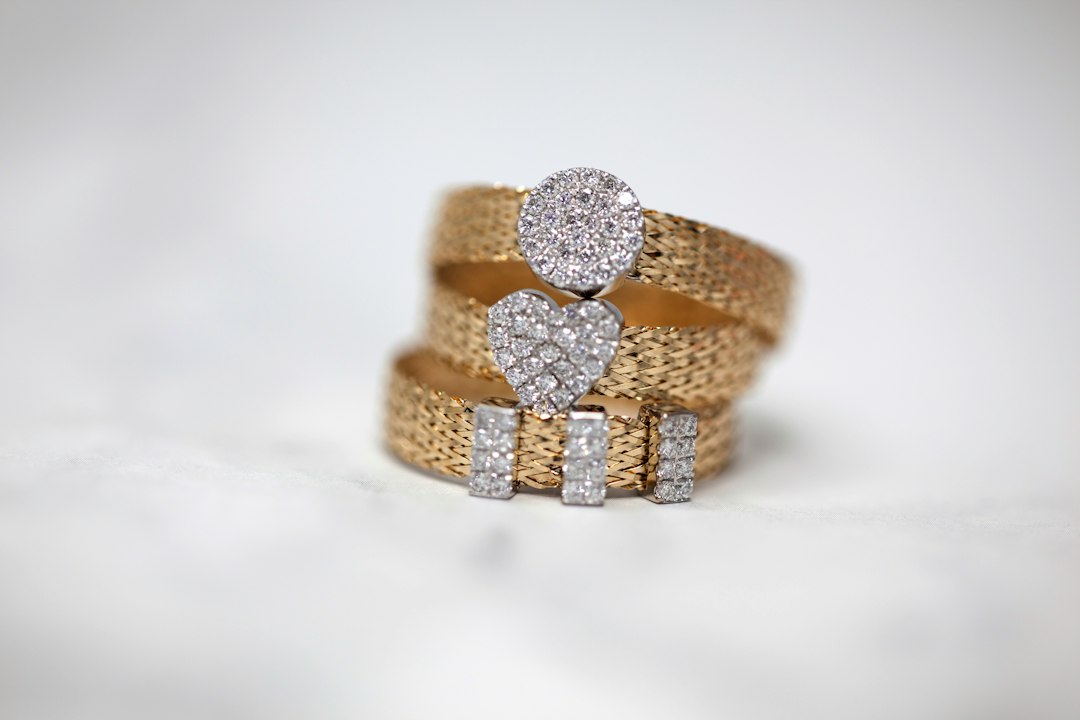
Jewelry reveals tiny dust marks, fingerprints, scratches, reflections, and color differences. Retouching should clean temporary distractions while keeping the material believable.
Build a repeatable workflow
Control reflections instead of removing every highlight. Metal needs tonal variation to show shape, while gemstones need accurate color and facet detail.
What to check before export
- Keep the composition and crop consistent.
- Check exposure and color against a reliable reference.
- Inspect edges at high magnification.
- Review the image at normal website display size.
- Keep a high-quality master separate from web-ready files.
Related services
For specialized jewelry work, explore jewelry photo retouching. For broader cleanup, see photo retouching services, and for catalog preparation, see e-commerce product photo editing.
Related reading
For related workflows, see our guides to color correction for product photos and consistent product images for e-commerce. Adobe also provides a useful overview of professional photo editing with Lightroom and Photoshop.
Final thoughts
Good image editing should improve clarity and consistency without distracting from the subject. Define the intended result first, use a repeatable process, and inspect the finished file in its real publishing context.